


You use a digital camera, you are tired of renaming one by one the files transferred to your hard drive, I sympathize so I ended up creating this little utility and I want you to benefit from it. It is free. It works under Windows.
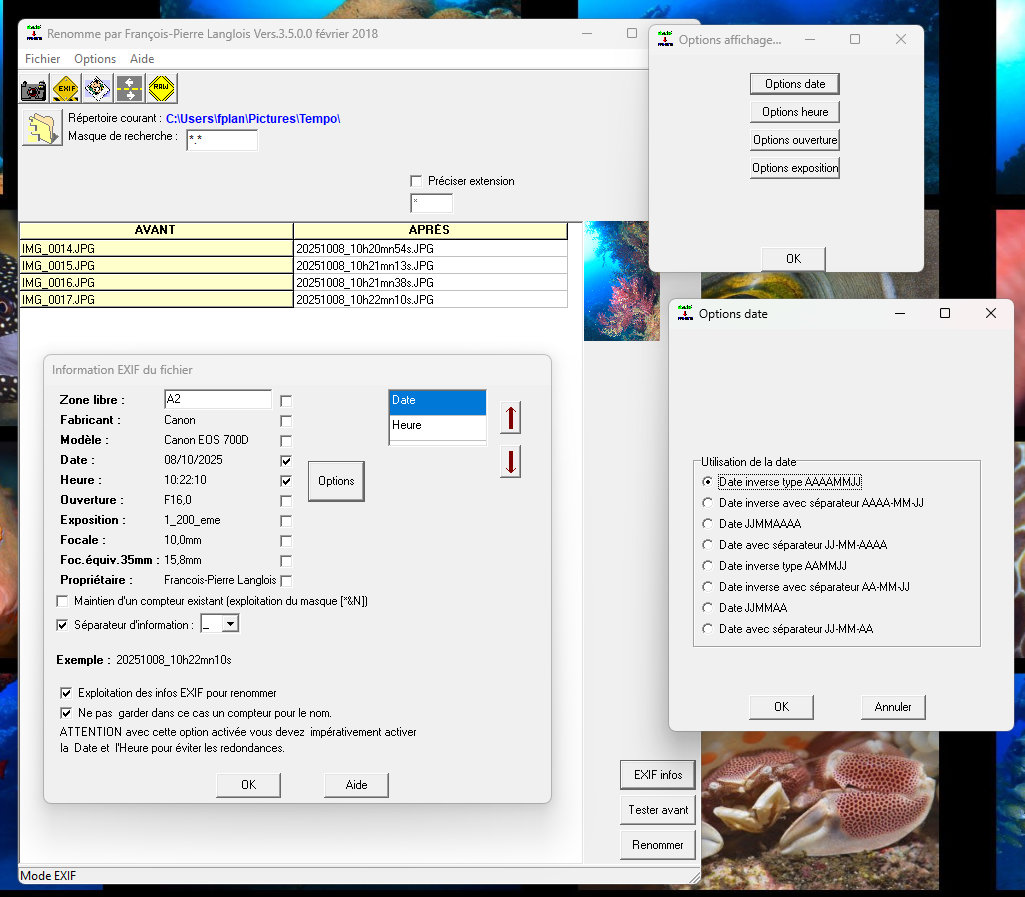
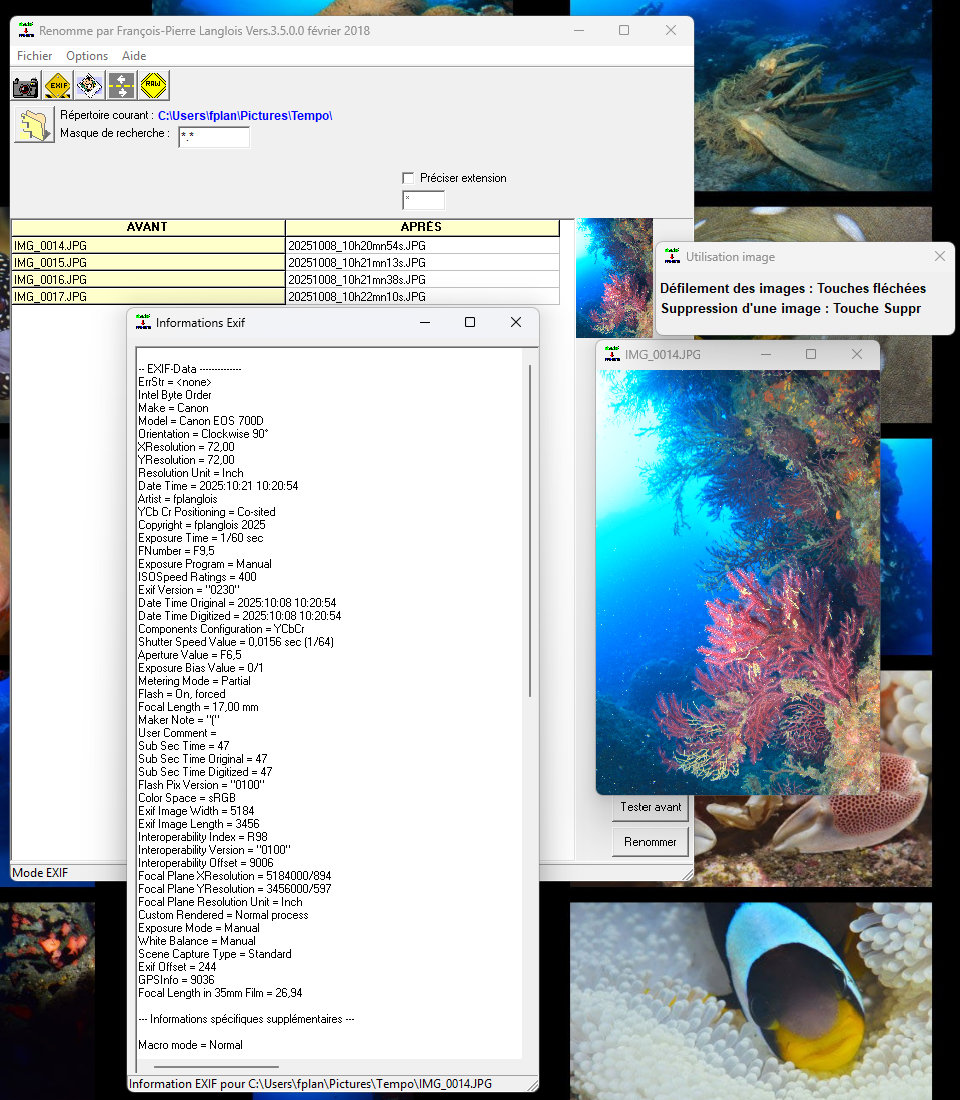
The first version of this freeware dates back to July 2000...
You can find information about its history on my old, catch-all website, fplanglois.com/renomme —a site originally intended to help me stay in touch with friends and family, long before the rise of social media.
That site is eventually going to be taken down.
However, as of today (October 2026), the maintenance of *Renomme* has moved to plongee.photos.
To mark this transition—and after eight years of silence— version 3.6 has been released.
Key new features include:
- Internationalization (available in French, English, and German).
- Help buttons that link directly to relevant pages on this site
Download the file
You will receive a ZIP file containing 4 files:
1- Unzip the file: renomme3600.zip.
2- Copy the 4 files — Renomme.exe, lang.ini, lang_en.ini, and lang_de.ini — into a directory of your choice.
3- Run Renomme.exe directly. No installation is required.
4- When launched for the first time, Renomme will be in English.
5- Change the language immediately, if desired:

.